JD Nitro App vs Mobile Browser: How to Play on Your Phone in the Philippines
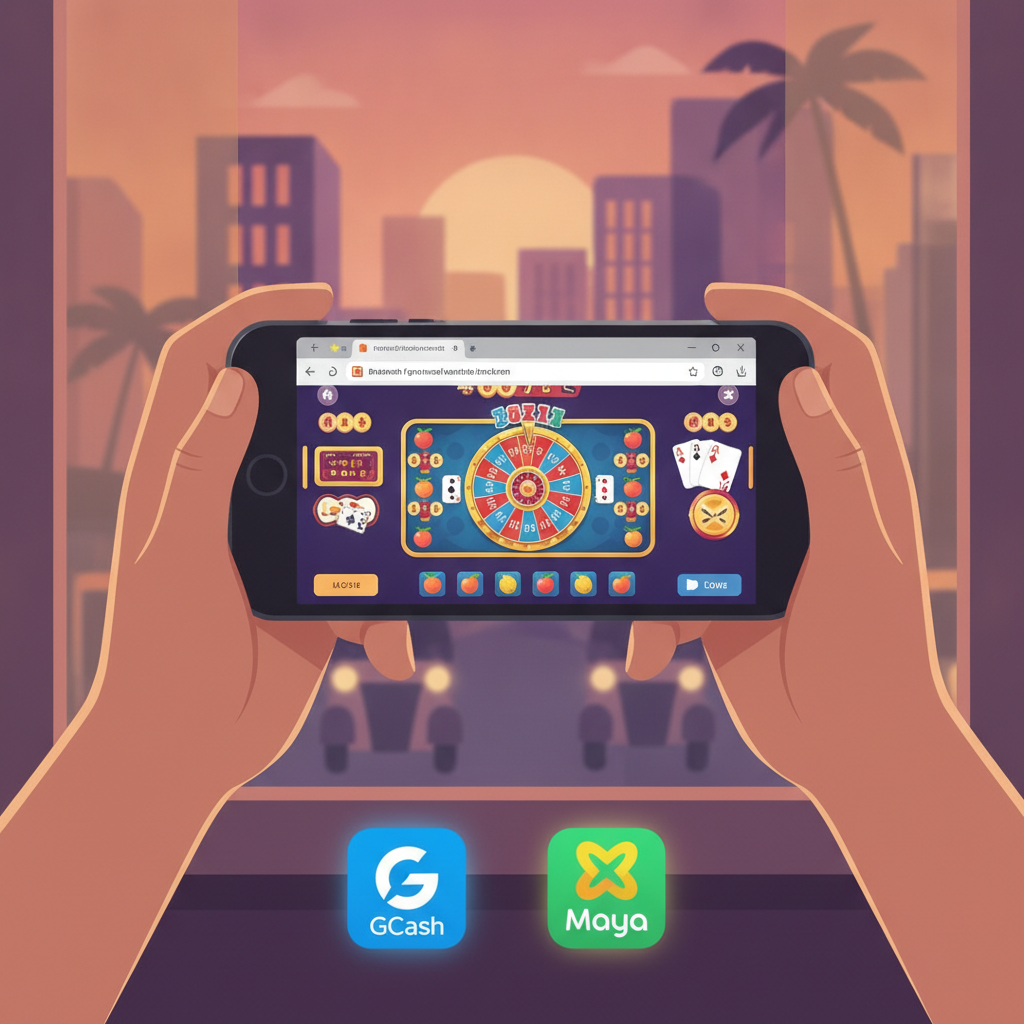
Most Filipino players want to know whether they need to download a JD Nitro app or if they can play directly through their phone's browser. This guide walks you through both options, explains how to save the JD Nitro login page to your home screen, and covers what you need to know about mobile data, Wi-Fi, and security when playing on the go.
Does JD Nitro have a dedicated app for Android or iOS?
As of now, JD Nitro does not offer a standalone downloadable app through the Google Play Store or Apple App Store. Instead, the platform is built as a mobile-responsive website that works on both Android and iOS devices through any modern browser—Chrome, Safari, Firefox, or Edge.
This browser-based approach means you don't need to install anything or use up storage space on your phone. You simply open your browser, navigate to the JD Nitro site, and log in. The mobile site adjusts automatically to fit your screen, whether you're using a budget Android phone or the latest iPhone.
Because there's no official JD Nitro app in the app stores, be cautious of any third-party APK files or unofficial apps claiming to be JD Nitro. Downloading apps from unknown sources can put your personal data and payment information at risk. Stick to the official website accessed through your phone's browser.
How to access JD Nitro games through your mobile browser
Playing JD Nitro games on your phone is straightforward. Here's how to get started:
Step 1: Open your browser
Launch Chrome, Safari, or your preferred mobile browser. Make sure you're connected to the internet via mobile data or Wi-Fi.
Step 2: Navigate to the JD Nitro website
Type the JD Nitro web address into your browser's address bar. If you've visited before, it may appear in your browsing history or bookmarks.
Step 3: Tap the JD Nitro login button
Once the homepage loads, look for the login button—usually located at the top right corner of the screen. Tap it and enter your registered username and password.
Step 4: Browse games and place bets
After logging in, you'll see the main lobby with categories for slots, live dealer tables, sports betting (PBA, NBA, volleyball), bingo, and lottery. Tap any game tile to launch it. Sports betting markets open in a separate section where you can browse odds and place wagers.
The mobile browser version of JD Nitro includes the same games, deposit options (GCash, Maya, InstaPay, PESONet), and account features as the desktop site. Slots load quickly, live dealer feeds stream in real time, and the sports betting interface is optimized for tapping and scrolling on smaller screens.
Saving the JD Nitro login page as a home-screen shortcut
If you play regularly, adding a JD Nitro shortcut to your phone's home screen saves time. It works like an app icon but simply opens the website in your browser.
For Android (Chrome):
- Open Chrome and go to the JD Nitro login page.
- Tap the three-dot menu in the top right corner.
- Select Add to Home screen.
- Enter a name (e.g., "JD Nitro") and tap Add.
- The icon will appear on your home screen. Tap it anytime to open JD Nitro directly.
For iPhone (Safari):
- Open Safari and navigate to the JD Nitro website.
- Tap the Share icon at the bottom of the screen (a square with an arrow pointing up).
- Scroll down and select Add to Home Screen.
- Name the shortcut and tap Add.
- The JD Nitro icon will now sit alongside your other apps.
This shortcut doesn't download any files—it's just a link to the mobile site. You'll still need an internet connection to play, but you'll skip the step of typing the web address each time.
Mobile data vs Wi-Fi: What works best for live dealer and sports betting
Both mobile data and Wi-Fi can handle JD Nitro games, but performance varies depending on the type of game and your connection speed.
Slots, bingo, and lottery:
These games use minimal data and load quickly even on slower mobile networks. A basic 3G or 4G connection is usually enough. Each spin or draw transmits only a small amount of information, so you won't burn through your data allowance quickly.
Live dealer tables:
Live baccarat, blackjack, and roulette stream real-time video from a studio. This requires a stable connection with decent speed. A strong 4G or 5G mobile signal works, but Wi-Fi is more reliable if you're playing for extended sessions. Weak or fluctuating mobile data can cause the video feed to buffer or disconnect mid-hand, which disrupts gameplay.
If you're on mobile data, check your signal strength before joining a live table. Look for at least three bars of 4G. If your connection drops during a live round, the system typically holds your bet and processes it based on the dealer's result, but you may miss seeing the action in real time.
Sports betting (PBA, NBA, volleyball):
Browsing odds and placing pre-match bets uses very little data. However, if JD Nitro offers live in-play betting with live score updates or match trackers, those features refresh frequently and consume more data. Wi-Fi is preferable for live betting sessions, especially if you're watching multiple markets or switching between games.
General recommendation:
Use Wi-Fi at home or in a trusted location for live dealer games and long sports betting sessions. Mobile data works fine for quick slot spins, lottery picks, or placing a single sports bet while you're out. Monitor your data usage if you're on a limited plan—live video can add up over time.
Security tips for playing on mobile devices
Playing casino games and managing PHP deposits on your phone requires the same security precautions as online banking. Follow these tips to keep your JD Nitro account and funds safe:
Use a strong, unique password:
Create a password that mixes uppercase and lowercase letters, numbers, and symbols. Avoid using the same password you use for GCash, Maya, or email. If one account is compromised, a unique password prevents attackers from accessing others.
Enable biometric login if available:
Many browsers and password managers support fingerprint or face unlock. This adds a layer of security and makes the JD Nitro login process faster without typing your password each time.
Avoid public Wi-Fi for deposits and withdrawals:
Public networks in malls, coffee shops, or transport hubs can be insecure. If you need to deposit PHP via GCash or check your balance, switch to mobile data or wait until you're on a private, password-protected Wi-Fi network.
Log out after each session:
Don't stay logged in if you're putting your phone down or lending it to someone. Tap the logout button in your JD Nitro account menu to close your session.
Keep your browser and operating system updated:
Updates often include security patches. Enable automatic updates on Android or iOS so your phone stays protected against known vulnerabilities.
Install apps only from official stores:
As mentioned earlier, JD Nitro does not have an official app. Never download APK files from random websites or unofficial "JD Nitro app" links shared on social media. These can contain malware or phishing tools designed to steal your login credentials.
Monitor your account activity:
Check your JD Nitro account history and GCash or Maya transaction records regularly. If you notice any unfamiliar bets or deposits, change your password immediately and contact JD Nitro support.
Use a screen lock:
Set a PIN, pattern, or biometric lock on your phone. If your device is lost or stolen, a screen lock prevents unauthorized access to your JD Nitro account and payment apps.
Responsible gambling reminder:
JD Nitro is for players aged 21 and over. Set a budget before you play, never chase losses, and take breaks if gambling stops being fun. If you need support, reach out to a responsible gambling helpline.
Whether you play through your mobile browser or save a home-screen shortcut, JD Nitro is designed to work smoothly on Filipino mobile networks and devices. There's no need to hunt for a JD Nitro app—just open your browser, complete the JD Nitro login, and start exploring slots, live tables, or sports betting on PBA and NBA games. Stick to secure connections, protect your account with a strong password, and enjoy the flexibility of playing on the go across Metro Manila and the provinces.