JD Nitro First Deposit: How to Load PHP Using GCash, Maya, and Bank Transfer
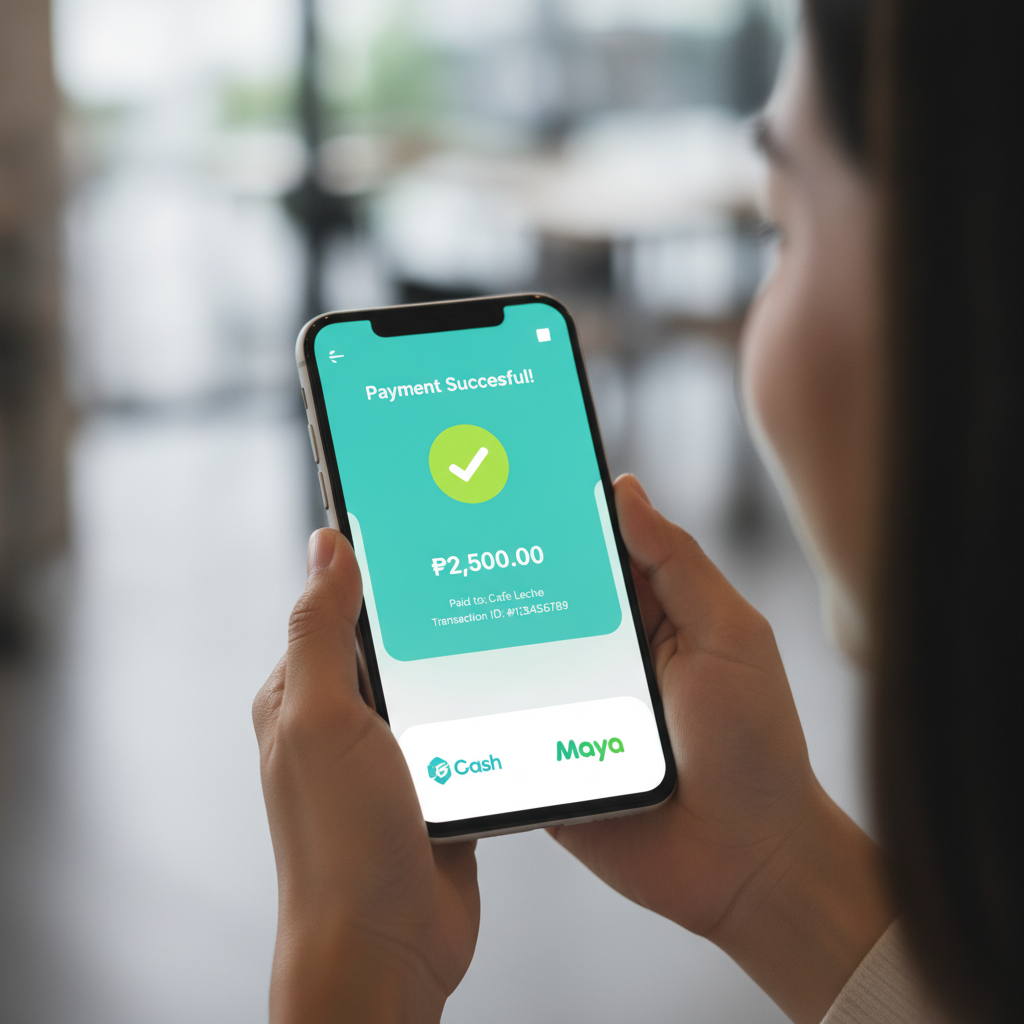
Making your first deposit on JD Nitro lets you move from browsing games to placing real bets on slots, live dealer tables, and sports matches. This guide walks you through every step of loading PHP into your account using GCash, Maya, and bank transfer options, so you can start playing quickly and confidently.
JD Nitro is for players aged 21 and over only. Set a deposit limit before you start and never load more than you can afford to lose.
Finding the Deposit Page After JD Nitro Login
Once you complete your JD Nitro login, the deposit page is usually one or two taps away. Look for a button labeled Deposit, Load, or Add Funds near the top of the screen—often displayed as a bright icon or placed beside your current balance.
On mobile, the deposit button typically appears in the main menu bar at the bottom of your screen or in the account section at the top right. Tapping it opens the deposit page, where you'll see a list of payment methods available to Filipino players: GCash, Maya, InstaPay, and PESONet.
If you're using a browser on your phone, the layout is similar. Your balance and the deposit button are usually visible on the homepage after login. If you can't find it immediately, check the Account or Wallet tab in the main menu.
Before selecting a payment method, confirm that your JD Nitro account has passed ID verification. Most platforms require at least a valid government-issued ID upload before your first deposit can be processed. If verification is still pending, you may see a notification prompting you to complete it.
Step-by-Step: Making Your First PHP Deposit with GCash
GCash is one of the fastest and most popular deposit methods for Filipino players. Here's how to load PHP into your JD Nitro account using GCash:
- Tap the Deposit button on the JD Nitro homepage after login.
- Select GCash from the list of payment options.
- Enter the amount you want to deposit. Most players start with PHP 100 to PHP 500 for their first load. Check the minimum deposit requirement displayed on the screen—it's usually PHP 100 or PHP 200.
- Review the details. The platform will show the amount, any applicable fees (usually none for GCash deposits), and a reference number or transaction ID.
- Confirm the deposit. You'll be redirected to the GCash app or a GCash payment page.
- Log in to GCash using your MPIN and authorize the payment. GCash will show the recipient name and the exact amount before you confirm.
- Complete the transaction. After confirming in GCash, you'll be redirected back to JD Nitro, where a confirmation message should appear.
- Wait for processing. GCash deposits on JD Nitro are usually instant, but during peak hours or system maintenance, it may take up to five minutes.
Save or screenshot the GCash transaction reference for your records. If the deposit doesn't reflect in your JD Nitro balance within ten minutes, this reference number helps customer support trace the payment.
Using Maya, InstaPay, and PESONet for Deposits
JD Nitro also accepts Maya e-wallet and bank transfers through InstaPay and PESONet. Each method has slightly different processing times and steps.
Maya
Maya works almost identically to GCash:
- Select Maya on the JD Nitro deposit page.
- Enter your deposit amount and confirm.
- You'll be redirected to the Maya app or mobile payment page.
- Log in with your Maya PIN and authorize the payment.
- Return to JD Nitro to see the confirmation.
Maya deposits are typically instant. The minimum deposit is usually PHP 100, the same as GCash. Maya does not charge a fee for outgoing payments to merchants, so the full amount you send should appear in your JD Nitro balance.
InstaPay
InstaPay is a real-time bank transfer service that works with most Philippine banks, including BDO, BPI, Metrobank, Unionbank, and Security Bank.
- Choose InstaPay on the deposit page.
- Enter the amount and select your bank from the dropdown list.
- JD Nitro will display the recipient account details and a unique reference code.
- Open your bank's mobile app or online banking portal.
- Navigate to Send Money or Transfer Funds, then select InstaPay or PESONet as the transfer type.
- Enter the recipient account number, name, and reference code exactly as shown on JD Nitro.
- Confirm and complete the transfer in your banking app.
- Return to JD Nitro and wait for the deposit to reflect.
InstaPay transfers are processed in real time during banking hours (usually 24/7 for most participating banks). Expect your deposit to appear within a few minutes. The minimum deposit via InstaPay is often PHP 100 or PHP 200, depending on the platform's settings.
PESONet
PESONet is another bank transfer option, but it operates on a batch processing schedule rather than real-time settlement.
- Select PESONet on the JD Nitro deposit page.
- Enter your deposit amount and choose your bank.
- Note the recipient details and reference code provided by JD Nitro.
- Log in to your bank app or online banking.
- Set up a PESONet transfer to the account shown on JD Nitro, including the reference code in the remarks or message field.
- Submit the transfer.
PESONet deposits are processed in batches throughout the banking day—usually around 9:00 AM, 12:00 PM, and 3:00 PM on weekdays. If you send a PESONet transfer in the evening or on weekends, it may not clear until the next banking day. For faster deposits, choose InstaPay or an e-wallet instead.
JD Nitro Minimum Deposit Amounts and Processing Times
Understanding minimum deposits and how long each method takes helps you plan your first load and avoid delays.
Minimum deposit amounts:
- GCash: PHP 100 (may vary; check the deposit page for current limits)
- Maya: PHP 100
- InstaPay: PHP 100–PHP 200
- PESONet: PHP 100–PHP 200
Some platforms set a higher minimum for bank transfers than for e-wallets, but PHP 100 is the most common threshold across all methods on JD Nitro.
Processing times:
- GCash: Instant to 5 minutes
- Maya: Instant to 5 minutes
- InstaPay: Real-time, usually under 5 minutes during banking hours
- PESONet: 2–4 hours on weekdays (batch processing); next banking day if sent after hours or on weekends
If your deposit takes longer than the expected processing time, check your transaction history in GCash, Maya, or your bank app to confirm the payment was sent successfully. If the amount was debited but hasn't appeared in your JD Nitro balance after 30 minutes, contact JD Nitro customer support with your transaction reference number.
Checking Your Balance and Confirming the Deposit Went Through
After completing your deposit, verifying that the funds arrived in your JD Nitro account is the final step before you start playing.
Where to check your balance:
- Your current balance is displayed at the top of the screen after JD Nitro login, usually beside your username or in the account section.
- Tap on your balance or the Wallet icon to view a detailed transaction history, showing all deposits, bets, and winnings.
What to look for:
- The deposit amount you just sent should appear in your balance within the expected processing time.
- Check the transaction history for a record labeled Deposit or Load with the correct amount, date, and time.
If the deposit doesn't appear:
- Refresh the page or log out and log back in to JD Nitro.
- Confirm in your GCash, Maya, or bank app that the payment was successfully sent and debited from your account.
- Wait a few more minutes—network delays occasionally extend processing times, especially during peak hours.
- If the deposit still doesn't reflect after 30 minutes (or the next banking day for PESONet), reach out to JD Nitro customer support. Provide your transaction reference number, the exact amount, and the timestamp of your deposit.
Once your balance updates, you're ready to explore JD Nitro games, place bets on PBA and NBA matches, or try your luck at slots and live dealer tables. Start with small bets as you learn how the platform works, and keep track of your spending by checking your balance and transaction history regularly.
Remember: JD Nitro is for players 21 and over. Always gamble responsibly, set deposit and loss limits, and never chase losses with additional deposits.
Related guides:
- JD Nitro register: How to create an account and verify your ID
- JD Nitro login: Accessing your account on mobile and desktop
- How to play JD Nitro: Beginner's overview of slots, live dealer, and sports betting
This walkthrough covers the essentials of making your first PHP deposit on JD Nitro using GCash, Maya, and bank transfer. With your account loaded, you can start exploring the platform's games and features at your own pace.